SEO
Sitemap
The sitemap is generated with hreflang links for each alternative domain/language automatically and keeps settings and unlisted folder out of the generation.
Sitemap is then cached for 8 hours. You can adjust this number in pages/sitemap.xml/[[...sitemap]].ts inside Cache-Control header in your code.
A sitemap index is generated to keep a list of all the language sitemaps in https://localhost:3000/{locale}/sitemap-index.xml.
_39<sitemapindex xmlns="http://www.sitemaps.org/schemas/sitemap/0.9">_39 <sitemap>_39 <loc>https://yoursite.com/en/sitemap.xml</loc>_39 </sitemap>_39 <sitemap>_39 <loc>https://yoursite.com/fr/sitemap.xml</loc>_39 </sitemap>_39 <sitemap>_39 <loc>https://yoursite.com/de/sitemap.xml</loc>_39 </sitemap>_39 <sitemap>_39 <loc>https://yoursite.com/de-at/sitemap.xml</loc>_39 </sitemap>_39<sitemapindex />_39_39To access the sitemap, you can navigate to `https://localhost:3000/{locale}/sitemap.xml` where you replace `{locale}` with the locale you want to generate the sitemap for._39_39This is the structure it will generate:_39_39```xml_39<?xml version="1.0" encoding="UTF-8"?>_39<urlset xmlns="http://www.sitemaps.org/schemas/sitemap/0.9" xmlns:news="http://www.google.com/schemas/sitemap-news/0.9" xmlns:xhtml="http://www.w3.org/1999/xhtml" xmlns:mobile="http://www.google.com/schemas/sitemap-mobile/1.0" xmlns:image="http://www.google.com/schemas/sitemap-image/1.1" xmlns:video="http://www.google.com/schemas/sitemap-video/1.1">_39 <url>_39 <loc>https://yoursite.com/</loc>_39 <lastmod>2023-05-23T13:49:54.478Z</lastmod>_39 <xhtml:link rel="alternate" hreflang="en-us" href="https://yoursite.com/en-us/"/>_39 <xhtml:link rel="alternate" hreflang="de" href="https://yoursite.com/de/"/>_39 <xhtml:link rel="alternate" hreflang="de-ch" href="https://yoursite.com/de-ch/"/>_39 <xhtml:link rel="alternate" hreflang="de-at" href="https://yoursite.com/de-at/"/>_39 </url>_39 <url>_39 <loc>https://yoursite.com/workshop/</loc>_39 <lastmod>2023-05-23T13:49:54.478Z</lastmod>_39 <xhtml:link rel="alternate" hreflang="en-us" href="https://yoursite.com/en-us/workshop/"/>_39 <xhtml:link rel="alternate" hreflang="de" href="https://yoursite.com/de/workshop/"/>_39 <xhtml:link rel="alternate" hreflang="de-ch" href="https://yoursite.com/de-ch/workshop/"/>_39 <xhtml:link rel="alternate" hreflang="de-at" href="https://yoursite.com/de-at/workshop/"/>_39 </url>_39</urlset>
If a page is set to noindex it will not be included in the sitemap.
Robots
Robots.txt will output the current sitemap-index.xml and allow all bots to crawl the site.
_10User-agent: *_10Allow: /_10_10Sitemap: https://yoursite.com/sitemap-index.xml
It will pick up the current site url via req.headers.host.
SEO
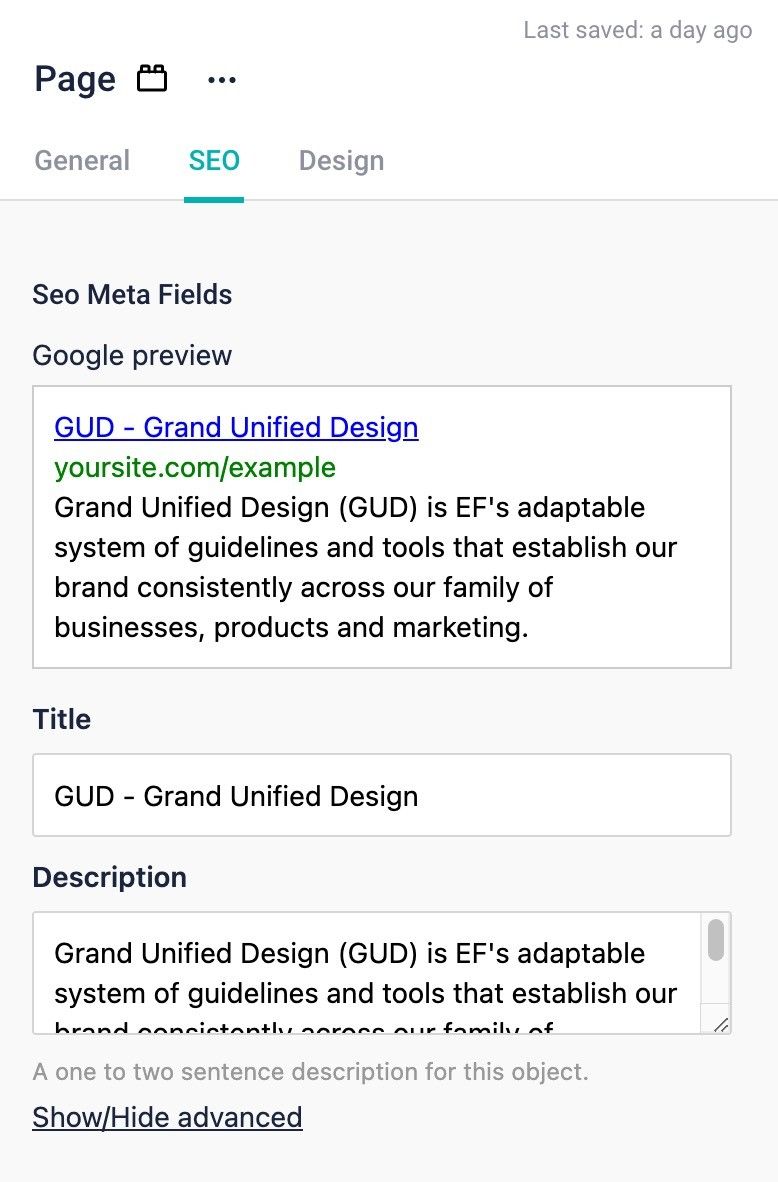
Default SEO in settings Seo for each page via Page SEO tab
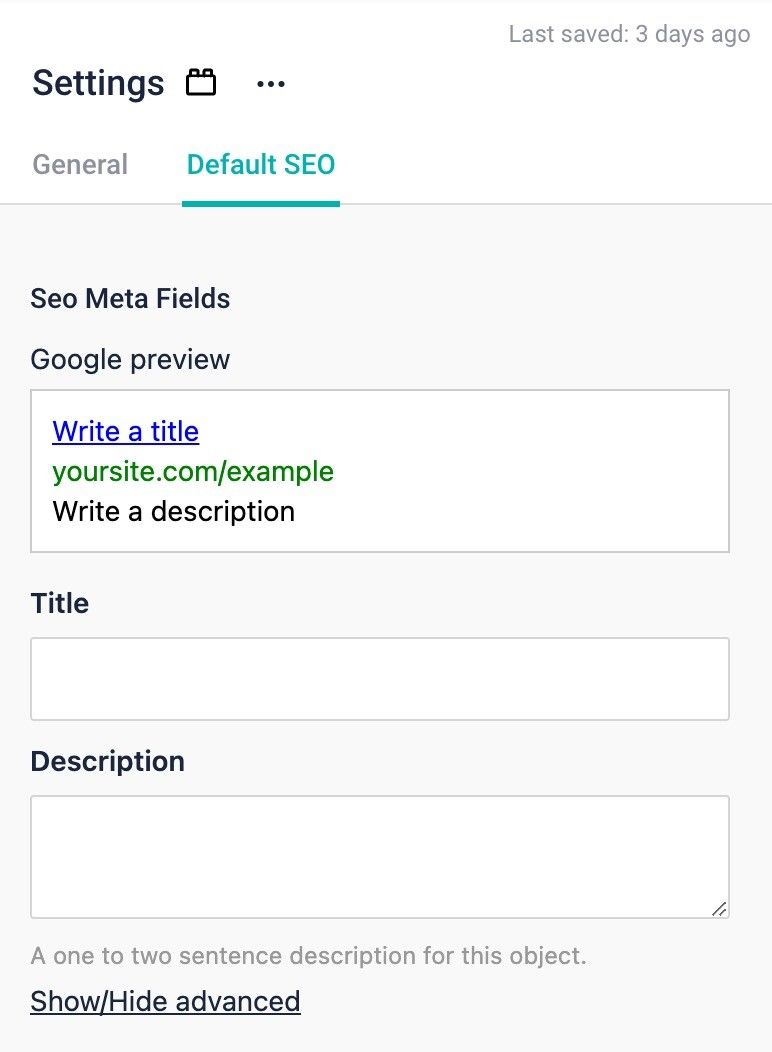
Default SEO in settings
We load the sitewide SEO via Settings. These settings are translatable.
With Field level translations simply use the languages dropdown to switch to the language you want to translate the SEO settings for. With Folder level translations, add a dimension/alternative page in the correct language folder.
To set SEO details for each individual page, you can navigate to the page component and set the data there.